
Downloaded Facebook Video Has No Sound? 6 Quick Fixes That Work
You saved a Facebook video or Reel, hit play, and nothing. The picture moves, but it’s completely silent. Before you assume the download is broken, take a breath. It happens fairly often, and the reason is usually straightforward.
Below you’ll find the reasons it happens and the fixes to try, starting with the quickest ones. Everything here applies to both regular videos and Reels.
Why Is There No Sound in Your Downloaded Facebook Video?
Short answer: the file you saved either doesn’t include audio, or your phone or player can’t play it.
Facebook doesn’t always keep picture and sound together as one simple file. Depending on the video, they can be delivered as separate parts. A downloader has to pick up both and combine them. When that step goes wrong, or when only the picture part gets saved, you end up with a silent video.
That’s one common technical cause, but it’s not the only one, so let’s go through them all.
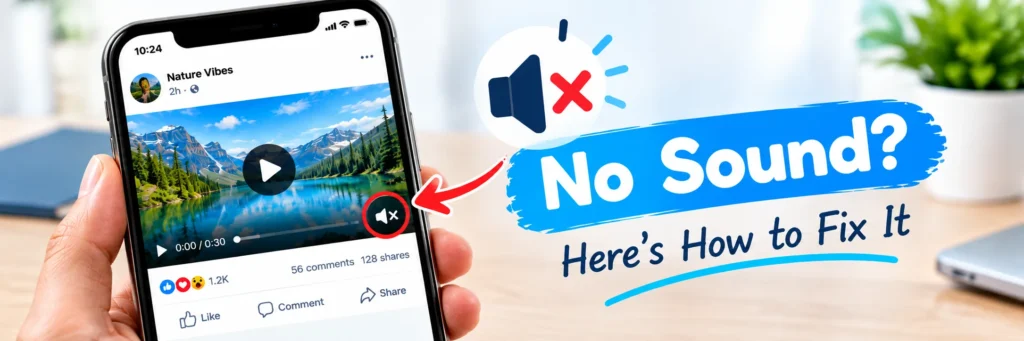
Common reasons a saved Facebook video or Reel is silent
- Only the video part was saved. As mentioned above, the picture and sound can be separate. If only the picture gets saved, the file plays without audio.
- The download didn’t finish properly. If the connection dropped or you opened the file too early, it can be incomplete. Sometimes an incomplete file still plays the picture but not the sound.
- The original video has no audio. Some videos and Reels were posted silently, or the sound was muted or removed on Facebook’s side, for example, because of music rights. If it’s silent on Facebook, your saved copy will be silent too.
- Your phone is the problem, not the file. Media volume turned down, silent mode, or headphones still connected to a Bluetooth device you forgot about.
- Your video player can’t handle the file. Some basic players struggle with certain files and play the picture without the sound.
- A stale or wrong link. If an old link was on your clipboard, you may have saved a different video from the one you meant to.
How to fix a Facebook video that downloaded without sound
Start with these simple checks before trying anything more complicated.
Step 1: Check the original first
Open the same video on Facebook and see if it has sound there. If it’s silent on Facebook too, there’s nothing to fix. The video simply has no audio, and no download will change that.
Step 2: Check your phone’s volume and connections
Turn up the media volume (not just the ringer), switch off silent mode, and disconnect any Bluetooth headphones or speakers. Then play the file again.
Step 3: Download it again with the other quality option
FClip gives you two options: Normal quality and HD. If one version comes out silent, download the other one and compare. Sometimes a different version plays with sound when the first didn’t.
Step 4: Copy the link again and re-download
Go back to the video, tap Share, then Copy link, and paste it fresh into FClip. Wait until the download fully completes before you open the file. If you want the full walkthrough, here’s our guide on how to download Facebook videos.
Step 5: Try a different video player
Open the file in another player instead of your default gallery. VLC is a solid free choice on Android, iPhone, and PC. If the sound plays there, the file is fine, and your first player was the issue.
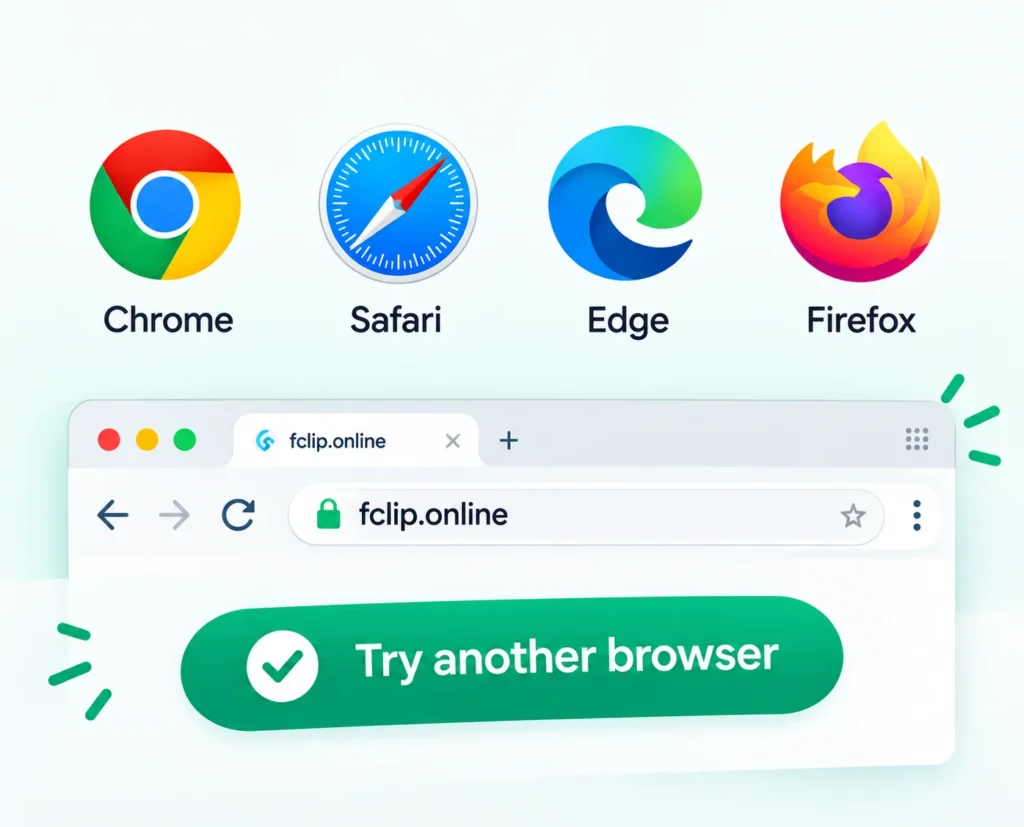
Step 6: Try another browser
If the problem keeps repeating, download the same video using a different browser (Chrome instead of Safari, or the other way around). Browser glitches can interrupt a download without any warning.
No audio on Android: what to check
On Android, first confirm the file finished downloading. Open Chrome’s three-dot menu, tap Downloads, and make sure the video isn’t still processing. Then open it with a different player, or through your file manager instead of the gallery. If your phone’s default player is the culprit, this alone can solve it.
No audio on iPhone: what to check
When downloaded through Safari, the file is usually saved through the Files app first. Play it there, and if the sound works, save it to Photos using Share, then Save Video. Also check the silent switch on the side of the phone. When it’s on, some apps can play video without sound, and it’s easy to miss.
No audio on PC or laptop: what to check
On a computer, check that the system volume isn’t muted and the right speakers or headphones are selected. On PC, the problem can sometimes be the selected output device rather than the video file. Then try opening the file in VLC instead of the default player.
Why do Facebook Reels sometimes have no sound?
Reels often use licensed music, and Facebook can mute or remove that audio in some situations. So a Reel with no sound isn’t always a download error. Play the Reel on Facebook first. If the sound is missing there, the saved copy will match it.
Can you add sound back to a silent video?
If the original had sound and your saved copy doesn’t, re-downloading is the fix. You can’t recover audio that wasn’t saved. If the original was silent to begin with, you’d need to add your own music or voiceover in a video editor. That’s a different job from downloading.
Still no sound? Quick checklist
- Does the video have sound on Facebook itself?
- Is your media volume up, and Bluetooth off?
- Did the download fully finish?
- Have you tried the other quality option (Normal or HD)?
- Have you tried VLC or another player?
- Did you copy a fresh link?
If everything on this list checks out and the file is still silent, the video itself probably has no audio.
For other download problems (errors, wrong video, file not appearing), see our list of 10 common fixes when Facebook video download isn’t working. And if you want the complete step-by-step for saving videos and Reels, read our main guide on how to download Facebook videos and Reels without a watermark.
Final thoughts
A silent download feels like a failed one, but it’s often fixable in a minute or two: check the original, check your volume, re-download, and try another player. If you get stuck, the troubleshooting guide covers the rest. To save a fresh copy, head to FClip.
FAQs
Why does my downloaded Facebook video have no audio?
Usually, the saved file is missing the sound, the download didn’t finish, or your phone or player isn’t playing it. It’s also possible the original video was silent.
Why does my Facebook Reel have no sound after downloading?
Reels often use licensed music that can be muted on Facebook. Check the Reel on Facebook first. If it’s silent there, the saved copy will be too.
Can I fix a downloaded video that has no sound?
Try downloading it again, switch between Normal quality and HD, and open the file in VLC. If the original has sound, one of these may solve it.
Does FClip remove audio from videos?
No, FClip doesn’t remove audio on purpose. If a file comes out silent, follow the steps above.
Why does the video play with sound in one app but not another?
Different players handle files differently. If one player is silent, try VLC or your Files or file manager app.
Why is there no sound on iPhone but the video plays?
Check the silent switch and media volume, and play the file in the Files app before saving it to Photos.