
FClip.online logo

Facebook Video Downloader

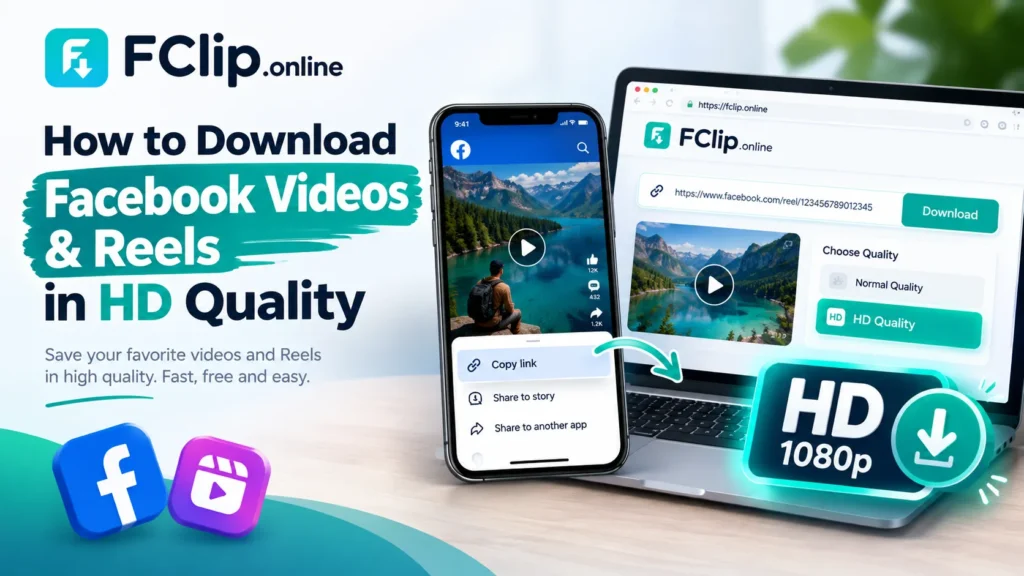
Download Facebook Videos in High Quality. Fast, Free & Easy.

Facebook video thumbnail
No Thumbnail

Facebook Video

Description: No video description...

Duration: Not Available

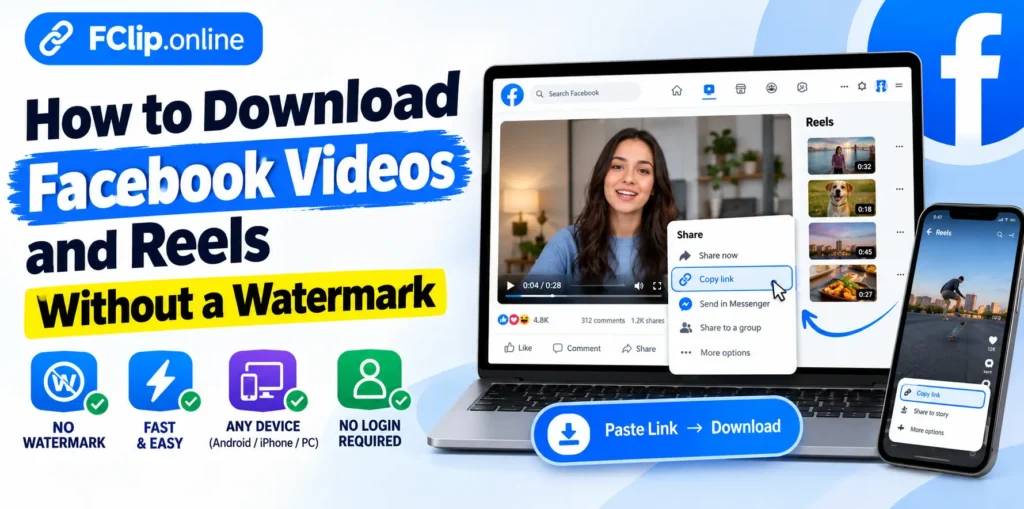
How to Download Facebook Videos

Download any Facebook video in just 3 simple steps.

1

Copy the Video Link

Open the Facebook video you want to download and copy its link from Facebook.

···→
2

Paste the Link

Paste the copied link into FClip above and click the Download button.

···→
3

Download Your Video

Choose the available video quality and save the video to your device.

Key Features

FClip lets you download Facebook videos and Reels in high quality. It works on phones, tablets, and computers with no app or registration required.
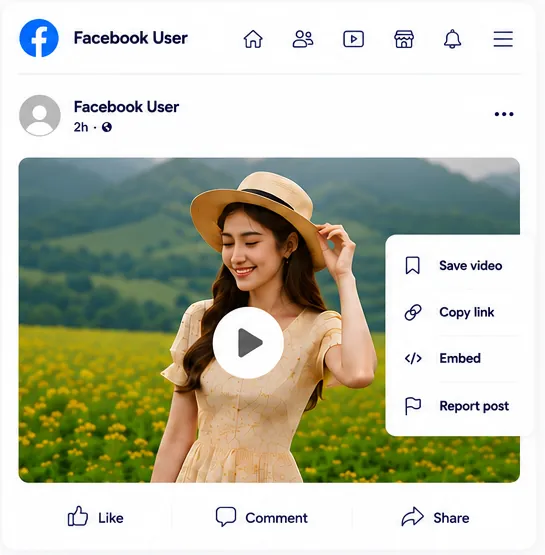
Facebook video downloader preview

Video Downloader

Download Facebook videos in high quality with FClip. Paste the video link, click download, and save the video as an MP4 file to your device.
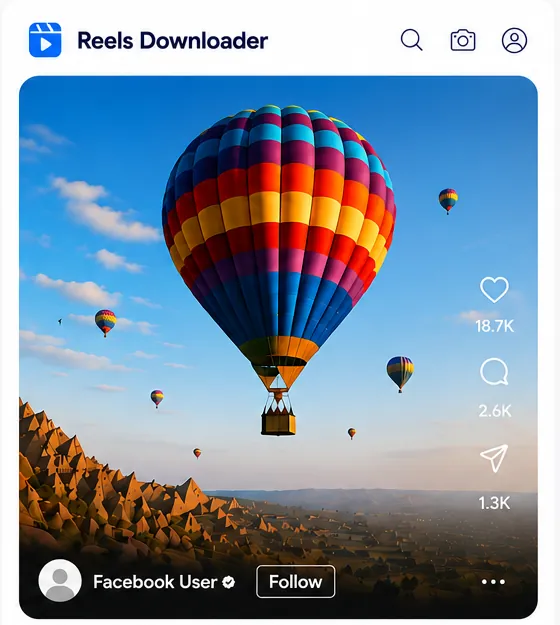
Facebook Reels downloader preview

Reels Downloader

Download Facebook Reels in high quality with FClip. Save short videos and tutorials for offline viewing.

Safe and legal

Safe & Legal

We respect privacy and only support publicly available content. Private or password-protected content is not supported.

Why choose FClip.online

Why Choose FClip.online?

  • ✓Fast Downloads
  • ✓High Quality
  • ✓Free to Use
FClip — Updates & FAQ
Updates
⚙ UPDATE (26 August 2026): Downloading on mobile is smoother now — works better on both Android and iPhone browsers.
⚙ UPDATE (14 August 2026): You can now download Facebook Reels too, not just regular videos.
⚙ UPDATE (7 August 2026): Fixed a few issues with how we detect Facebook links — downloads should feel more reliable now.
✦ UPDATE (28 July 2026): Videos process faster now, so you get your download link quicker.
⚙ UPDATE (22 July 2026): Cleaned up the mobile experience — using FClip on phones and tablets feels a lot smoother.
? Frequently Asked Questions
Open the Facebook video you want to save, copy its link, and paste it into FClip. Click the download button and choose the available video quality.
Yes. FClip supports public Facebook Reels as well as regular Facebook videos. Copy the Reel link from Facebook, paste it into FClip, and download the available video.
Yes. FClip is free to use for downloading publicly available Facebook videos and Reels. No subscription or paid account is required.
Yes, when an HD version is available for the original Facebook video, FClip can provide the available HD download option. The quality depends on the video uploaded to Facebook.
Yes. FClip works in a web browser on both iPhone and Android devices. You don't need to install a separate app to use the downloader.
No. FClip works directly in your browser. You don't need to create an account or install an app to download a public Facebook video or Reel.
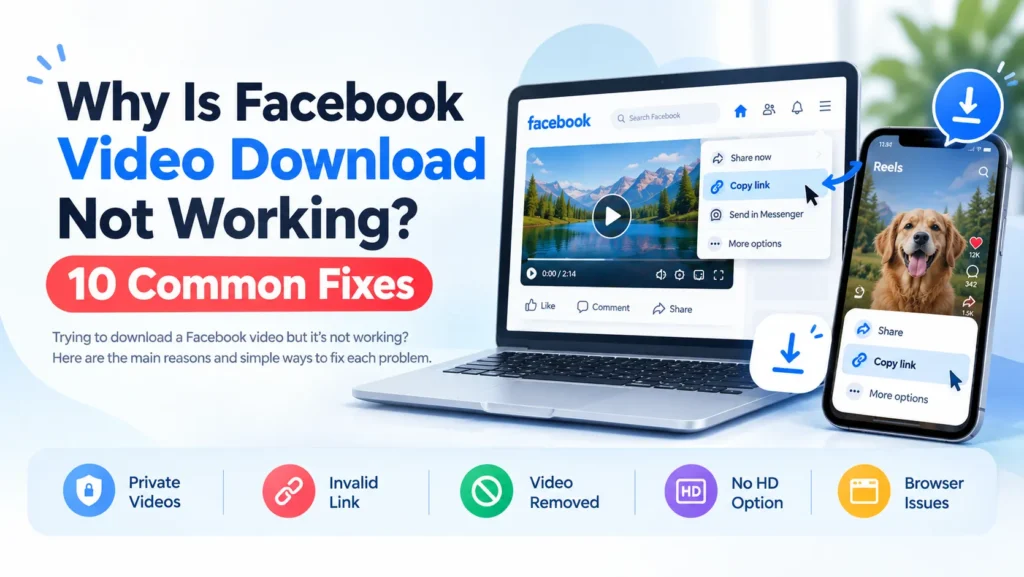
Make sure you copied the correct video or Reel link and that the content is publicly available. Private, deleted, or restricted Facebook content may not be supported.
No. FClip is designed for publicly available Facebook videos and Reels. Private or restricted content that requires Facebook access cannot be downloaded.
Scroll to Top

Facebook Video Downloader Online

FClip does not host or store any videos on its servers. Downloaded videos remain hosted on their respective platforms.

FClip is an independent service and is not affiliated with, endorsed by, or sponsored by Facebook or Meta Platforms, Inc. Read the full Disclaimer.